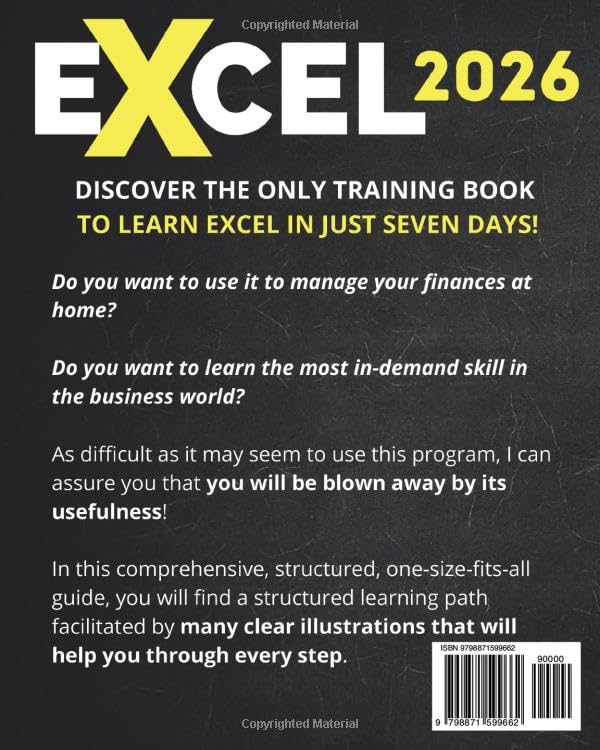
Microsoft Excel is a powerhouse tool widely used for everything from simple budgeting to complex data analysis. However, for beginners, diving into Excel’s vast features can feel overwhelming. Excel: The Easiest Way to Master Microsoft Excel in 7 Days offers a structured and approachable path to becoming proficient in Excel, even if you have no prior experience. With its step-by-step guidance, clear illustrations, and hands-on exercises, this updated 2026 edition promises to make mastering Excel achievable in just one week.
Key Concepts: Structured Learning for Effective Results
This guide champions a focused, seven-day learning plan tailored to absolute beginners. Each day introduces core Excel skills logically built upon the previous day’s foundations:
- Day 1 – Excel Basics: Understanding the interface and creating your first spreadsheet helps to eliminate initial intimidation and set a confident tone.
- Day 2 – Data Entry and Management: Efficiently entering and editing data ensures users can interact seamlessly with their spreadsheets.
- Day 3 – Organizing Data: Sorting, filtering, and highlighting techniques bring clarity to datasets and enhance usability.
- Day 4 – Spreadsheet Customization: Learning to design clean, organized sheets improves readability and professional appeal.
- Day 5 – Functions and Formulas: Essential formulas are demystified through examples and visual aids, empowering users to perform calculations and automate tasks.
- Day 6 – Tables: Managing larger data sets becomes simpler with table functionality, promoting better data handling.
- Day 7 – Charts: Creating professional charts and mastering keyboard shortcuts round off the learning experience by helping users visualize data effectively.
Additionally, the book now includes over 100 ready-made Copilot prompts that guide users in leveraging Excel’s AI-assist features for smarter workflows. The inclusion of 300+ ready-to-use templates, a full video course, and an in-depth tutorial on building a complete spreadsheet caters to different learning preferences and boosts practical application.
Unlock Excel Mastery in Just 7 Days!
Pros & Cons
Pros:
- Beginner-Friendly Structure: Numerous reviewers praise the logical day-by-day progression that takes users from zero knowledge to functional Excel skills within a week.
- Visual Support: 200 clear illustrations enhance comprehension, making concepts easier to grasp.
- Hands-on Learning: Over 100 exercises enable practical application, which many readers found invaluable for retention.
- Comprehensive Resources: The bonus templates, video course, and Copilot prompts enrich the learning experience and provide ongoing support beyond the book.
- Up-to-date Content: The inclusion of the latest Excel features and AI prompts positions it as a relevant and current resource.
Cons:
- Some users felt the pace might be too brisk, especially for absolute beginners who need more time to absorb information.
- While comprehensive, the content is mainly geared towards Excel’s basic to intermediate features; advanced users may find it less challenging.
- A few reviews mention minor formatting issues in the digital version, which may disrupt smooth reading.
Overall, the average rating of 4.2 out of 5 stars and over 1,000 reviews indicate strong satisfaction, particularly among those seeking a clear, no-nonsense introduction to Excel.
Start Your Excel Journey with 200 Clear Illustrations!
Who Is It For?
This guide is ideal for:
Boost Your Skills with 100+ Exciting Exercises!
- Absolute Beginners: Anyone new to Excel looking for a structured, stress-free approach to learn fundamental skills.
- Self-Learners: Individuals who prefer self-paced, illustrated, and exercise-based learning rather than disjointed tutorials.
- Professionals and Students: Those needing practical Excel competence for work or academic purposes without investing in costly courses.
- Small Business Owners and Freelancers: Users eager to manage data, finances, or projects efficiently through Excel.
- Users Interested in AI Features: Thanks to the Copilot prompts, even novices can explore AI-assisted Excel functionalities.
If you’re overwhelmed by Excel’s complexity or frustrated by scattered online tutorials, this book offers clarity and support to build confidence quickly.
Final Thoughts
Excel: The Easiest Way to Master Microsoft Excel in 7 Days delivers a focused, beginner-centric roadmap to mastering Excel’s core features. Its combination of structured lessons, practical exercises, and visual aids caters well to new users who want to learn effectively without confusion. While the pace may challenge some absolute beginners, the wealth of bonus materials and updated content—including AI prompts—makes this guide a valuable resource for anyone starting their Excel journey. Whether you want to handle data more confidently or create polished charts and spreadsheets, this book can help lay a strong foundation in just one week.
As an Amazon Associate, I earn from qualifying purchases.